Product teams
Test a different background, setting, or campaign mood without rebuilding a product concept from scratch.
A faster way to explore variations while keeping the product itself central.
krea enhancerFocused image editing
Krea 2 image edit is best approached as a directed workflow: start with a source, describe the visual change, and inspect the result against the original intent. Keep the request specific so the edit has a clear target.
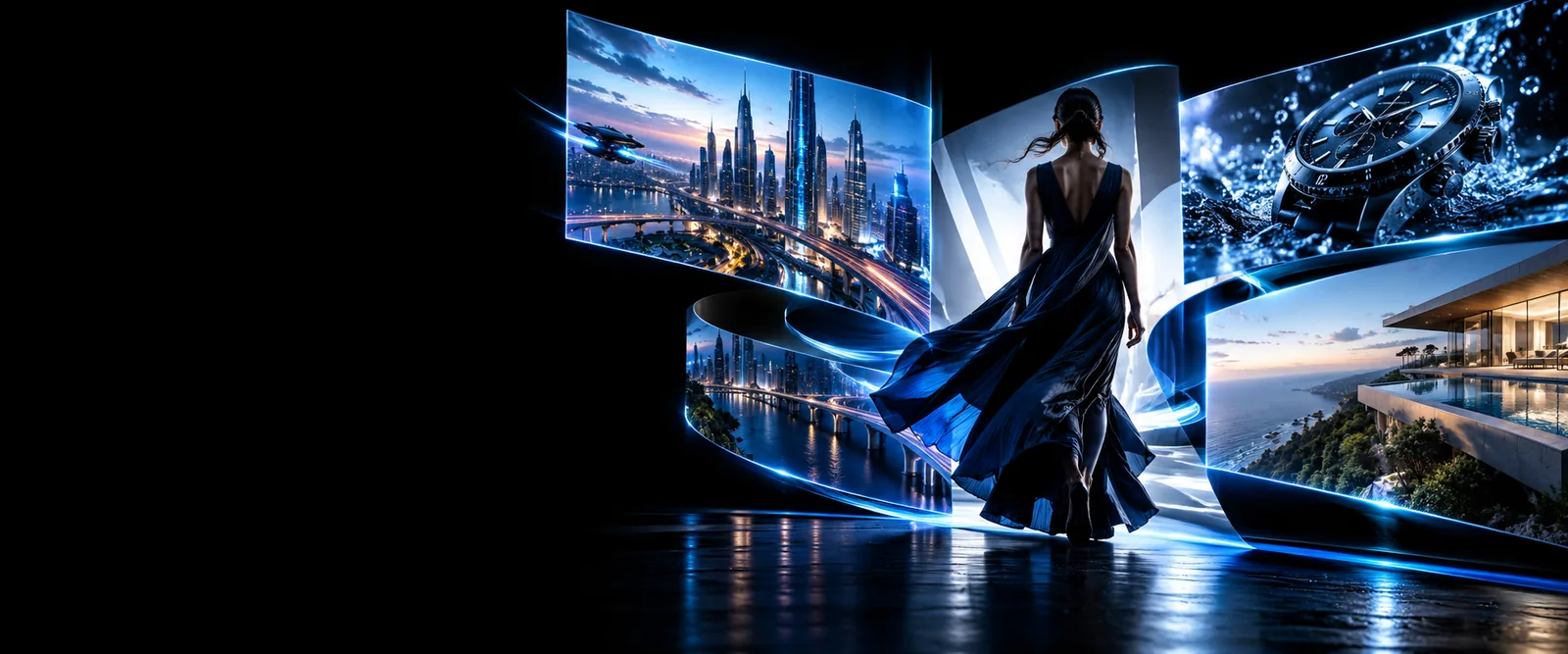
Use the closest workflow for the job: editing changes an existing visual, while enhancement focuses on improving its presentation or detail.
A good result depends on the source, the clarity of the request, and how much of the original image must remain stable.
A directed edit may not preserve every pixel-level detail, edge, or small accessory exactly as a specialist retouching tool would.
WorkaroundUse a tighter prompt, inspect the output closely, and finish delicate corrections in a dedicated editor.
When a face, product, logo, or repeated character must remain highly consistent, broad visual instructions can produce unwanted variation.
WorkaroundDescribe the protected features explicitly and compare the result with the source before accepting it.
Combining subject replacement, lighting changes, background redesign, and style shifts can make the intended priority unclear.
WorkaroundBreak the work into smaller edits and make the most important change first.
An attractive result can still contain visual inaccuracies, awkward details, or content that does not fit the intended use.
WorkaroundReview every output for composition, accuracy, permissions, and suitability before publishing.
Treat the process as a short loop rather than a single perfect prompt. Each pass should answer one visual question.
Choose the image to change and identify what must stay stable, such as the subject, framing, pose, or product details.
State the requested edit in plain language, including the replacement, adjustment, or visual direction you want to test.
Compare the result with the source, note what changed correctly, then simplify or sharpen the next instruction.
These workflows can overlap, but they answer different questions. Use the left side when content should change; use the right when the existing image should mainly be improved.
Directed image edit
Enhancement-focused workflow
Directed image edit
Change a defined part of an existing image
Enhancement-focused workflow
Improve the appearance or clarity of the existing image
Directed image edit
A source image plus a requested visual change
Enhancement-focused workflow
A source image that already has the desired content
Directed image edit
Replace, remove, restyle, or modify an element
Enhancement-focused workflow
Improve detail, presentation, or overall finish
Directed image edit
Did the requested change happen while the source intent remained clear?
Enhancement-focused workflow
Does the image look cleaner or more usable without unwanted changes?
Directed image edit
Name the element to change and the result it should become
Enhancement-focused workflow
Name the quality or presentation improvement to prioritize
Directed image edit
Unwanted changes to identity, layout, or surrounding details
Enhancement-focused workflow
Over-processing or changing details that should have stayed untouched
The workflow is useful when the image already contains a strong starting point but needs a controlled visual adjustment.
Test a different background, setting, or campaign mood without rebuilding a product concept from scratch.
A faster way to explore variations while keeping the product itself central.
krea enhancerTranslate a visual direction into concrete image changes for moodboards, pitches, or early campaign exploration.
More focused iterations before committing to a final production route.
image-to-image workflowAdjust a reference image while preserving the composition, subject, or visual cues that made it useful.
A clearer bridge between reference material and a new visual study.
i2i workflowExplore changes to atmosphere, materials, surroundings, or time of day in an existing scene.
Useful concept variations without losing the original spatial idea.
architectural image workflowA before-and-after comparison is most useful when the requested change is easy to identify and the elements that should remain stable are still recognizable.
Compare the intended change with the details that should remain consistent.
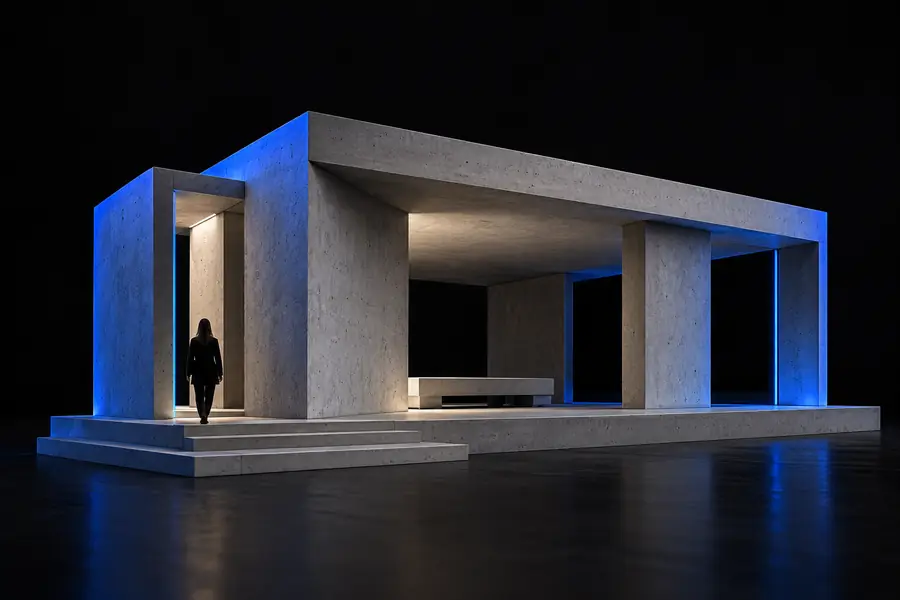
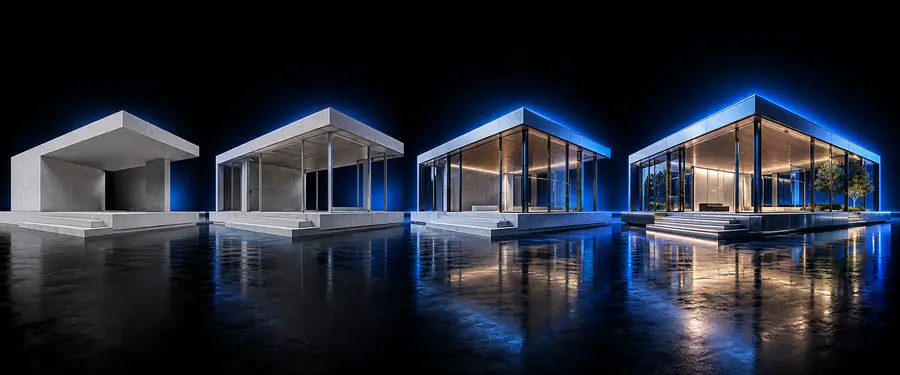
Start with an image that already has a useful subject or composition. Describe one meaningful change, review the result carefully, and refine the instruction when the output moves away from your intent.
Edit an imageKrea 2 image edit refers to a source-based workflow for changing an existing image with a directed visual instruction. It is most useful when you want to preserve part of the original while testing a clear change.
Name the element that should change, describe the intended result, and state what must remain stable. For example, identify the background as the changing element while asking to preserve the subject, framing, and lighting direction.
Yes, the workflow is designed around beginning with a source image rather than describing an entirely blank canvas. Choose a source with the subject and composition you want to carry into the edit.
Use krea enhancer when the image content is already right and the main goal is improving its presentation, clarity, or finish. Choose the editing route when you want to replace, remove, or materially change an element.
Broad instructions can affect nearby details, especially when several changes are requested at once. Protect important features in the prompt, reduce the edit to one main change, and compare each result with the source.