
Creative tools compared

How to decide: krea vs midjourney

The useful question is not which tool wins every image test. It is whether you need to explore and revise an idea in a visual workspace, or generate candidates and select a finished direction. This comparison gives you a practical way to make that call.

Krea landing-page creative imagery

Verdict first (table) Match the tool to the job

For krea vs midjourney, start with the kind of work you must finish. These four rows are decision rules, not claims that one service always produces better images.

Visual explorer

You want to change a composition repeatedly while deciding what the final image should be. A workspace that keeps experimentation close to the visual material may matter more than a single striking first result.

Favor Krea as a tool to investigate, then test your actual edit sequence before committing. The guide to Krea image work separates generation from editing so you can identify which task you mean.

krea for images
Art director

You need several distinct visual directions for a mood board and expect to judge them as separate candidates. Midjourney may be a sensible starting point when selecting among generated concepts is the main task.

Judge both tools against the same brief and selection criteria. The broader Krea review offers a checklist for evaluating the experience rather than trusting a single showcase image.

krea ai review

Brand content team

You already use a library of design assets and need to decide whether another creative workspace would reduce handoffs. Include asset organization and revision effort in the comparison, not just the look of one output.

Test a representative campaign task from source material through approval. The adjacent Freepik comparison helps frame the asset-library question separately from this Midjourney decision.

freepik vs krea

Budget-conscious experimenter

You are considering a switch because access terms matter, but you have not confirmed the current limits for the work you intend to do. An attractive sample does not establish what your account can export or reuse.

Check current terms at each destination before planning a project around them. The alternatives guide explains how to compare access claims without assuming that every feature is available at no cost.

krea alternative free

Dimension by dimension Run the same brief twice

A controlled test reveals more than comparing unrelated gallery examples. Keep the subject, constraints, and review standard consistent.

  1. 1

    Define the deliverable

    Write one brief with a subject, intended use, aspect ratio, two visual constraints, and one detail that must remain recognizable. Decide whether success means a compelling concept, an editable variation, or an approved final asset. Without that distinction, a polished image can mask a poor fit for the actual job.

  2. 2

    Test iteration, not just generation

    Create a first candidate in each tool, then request the same meaningful revision: change the lighting while preserving the subject and composition. Record how much work it takes to reach a usable result, including rejected attempts. This tests whether Krea or Midjourney fits the way you revise, rather than rewarding whichever first image you prefer.

  3. 3

    Check the handoff

    Inspect the result at the size your project needs. Check edges, legible details, consistency with the brief, and whether the available export and usage terms suit your project. Save the source brief and revision notes. A team member should be able to understand what changed without reconstructing your entire session.

Choose Midjourney if generating and selecting separate visual candidates is your central activity. Investigate Krea if your decision depends on exploring or changing an image through a visual workflow; verify the current controls yourself. These related guides narrow down the Krea side of that choice.

Migration path Carry the brief, not assumptions

If you move a project between tools, preserve the reference, constraints, and decisions first. Re-create one approved direction before migrating a whole batch.

  • Explore the direction
  • Document the direction

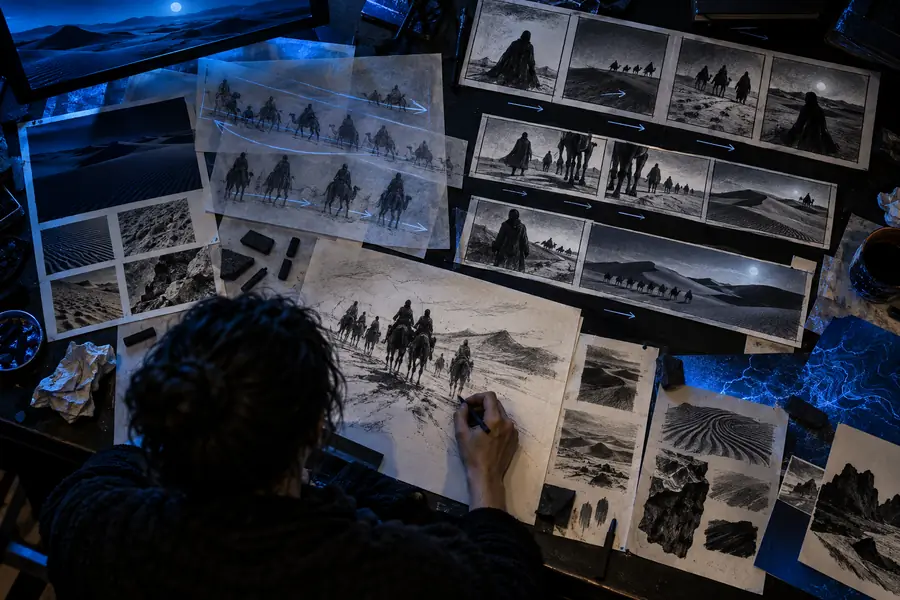
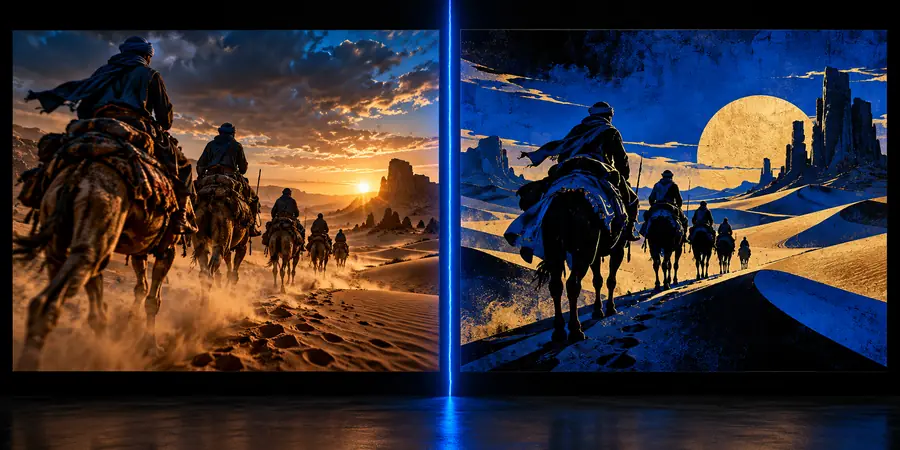
These are illustrative site images, not a matched Krea-and-Midjourney output test. To compare results, make your own matched pair from one brief and review both at the same display size.

Illustrative creative workspace image used to represent an exploratory starting point
Illustrative style-library image used to represent a documented visual direction

What a switch cannot carry over

Changing tools is a new production test, not a guaranteed transfer of prompts, settings, or results. Plan around these limits.

  • No exact prompt translation

    The same words can produce different compositions, textures, and interpretations across systems. A prompt that reliably starts a Midjourney project should not be treated as a recipe for an identical Krea image.

    WorkaroundKeep a short visual brief and reference images alongside the prompt. Adjust instructions after inspecting the first result instead of copying every parameter verbatim.

  • No guaranteed visual match

    These illustrations do not prove that either tool can reproduce a particular source image or preserve every small detail through revisions. A difference you barely notice in a preview may be important in the final design.

    WorkaroundIdentify the details that must survive, then check them after each substantial edit and at your intended output size.

  • No live feature or rights check

    This page cannot verify today's controls, availability, export options, or permitted use for your account. Those conditions can change and may differ between projects.

    WorkaroundRead the current product terms and inspect the active workflow before promising a delivery format or usage right to a client.

  • No automatic project migration

    A selected image, its history, and the reasoning behind revisions may not travel together when you change workspaces. Rebuilding a large campaign without that context invites inconsistent results.

    WorkaroundMove one representative asset first, with its brief, reference, chosen version, and approval notes. Expand only if the handoff works.

Test your next creative direction

Put one real brief to work

Use the same subject and revision request when you assess creative tools. A small, documented test will tell you more about fit than a gallery of unrelated favorites. Check the destination's current features and terms before relying on it for a deliverable.

Explore creative tools
  • Bring one specific brief
  • Compare revisions as well as first results
  • Verify the final handoff

Comparison FAQ

Start with the way you develop ideas. If you mainly want to generate candidates and choose a direction, test Midjourney against that task; if you expect to explore and revise visual material, investigate the current Krea workflow. Run the same brief through both before deciding which feels better for your project.

Do not expect an identical image from the same text. Treat the prompt as a shared brief, then compare how well each result satisfies its subject, composition, and required details. Keep reference material and revision notes if you need to continue the work elsewhere.

Choose one real deliverable and set success criteria before generating anything. Give each tool the same starting brief and one comparable revision, then assess the final result, effort, and handoff requirements. Do not compare a carefully selected gallery favorite with an unedited first attempt.

You can carry over your brief, references, selected images, and decisions, but should not assume the project history or tool-specific instructions will transfer. Rebuild one representative asset and check whether its important details survive. Confirm current upload, editing, and export options in the destination you use.

No universal quality ranking follows from a workflow comparison. Quality depends on the brief, the chosen result, the revisions, and the size at which you inspect it. The images on this page illustrate stages of a workflow; they are not a controlled output test between the two tools.

Start creating
Start creating